

Change the app theme
You can set the app to a light look, a dark look, or have it follow your phone’s own setting.
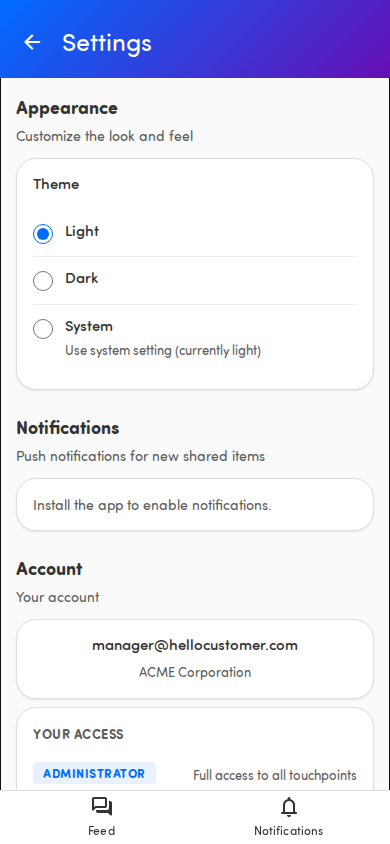
Set your theme
Section titled “Set your theme”- Tap your avatar in the page header to open Settings.
- Under Appearance, find Theme.
- Choose one:
- Light — always the light look.
- Dark — always the dark look.
- System — follows your phone. Its description shows what that is right now, for example Use system setting (currently dark).
Your choice applies right away. The app remembers it the next time you open it.
💡 Pick System if you want the app to switch automatically with your phone’s day/night schedule. When your phone changes, the app follows.